
Bold
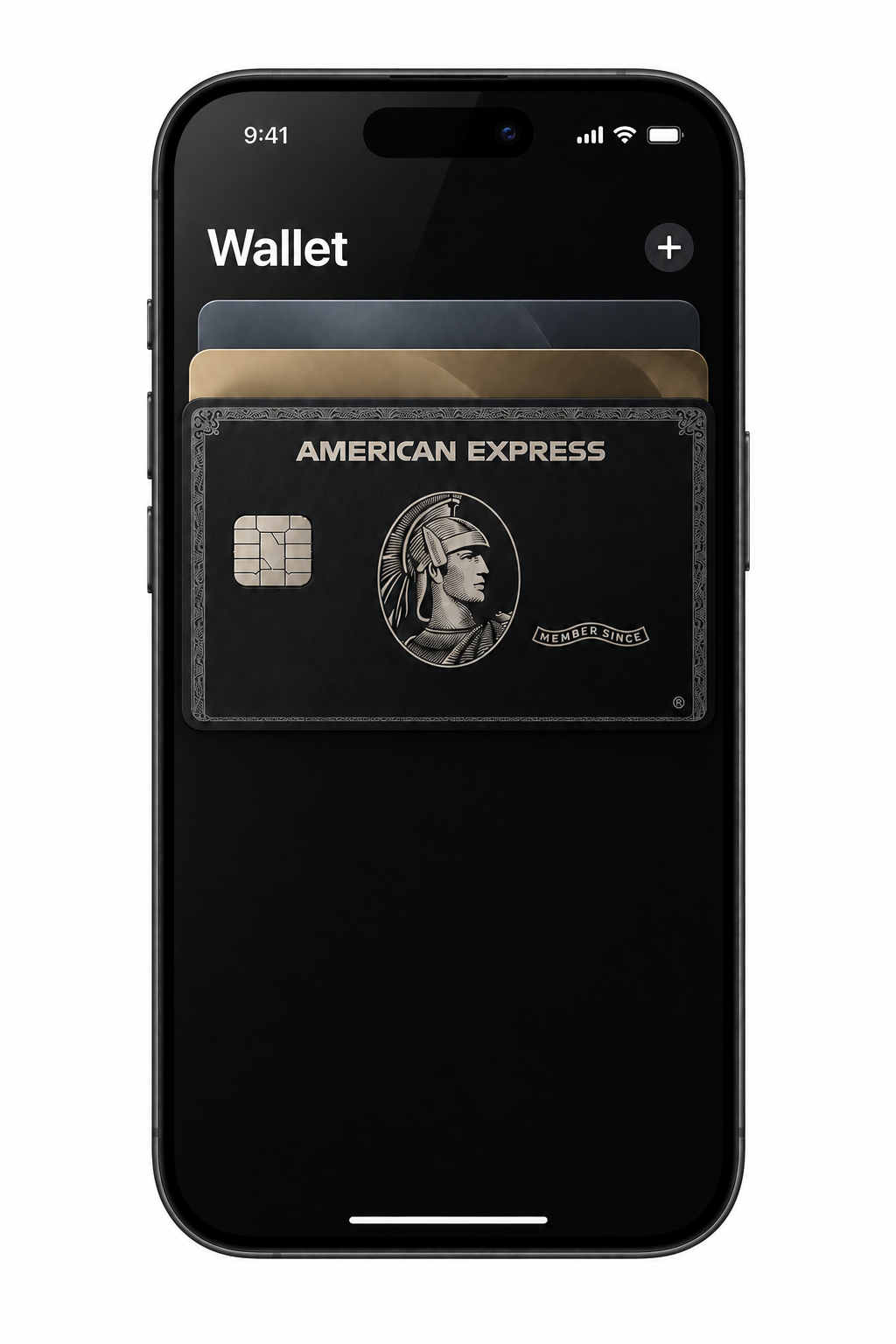
Black Card energy.
Same card underneath.
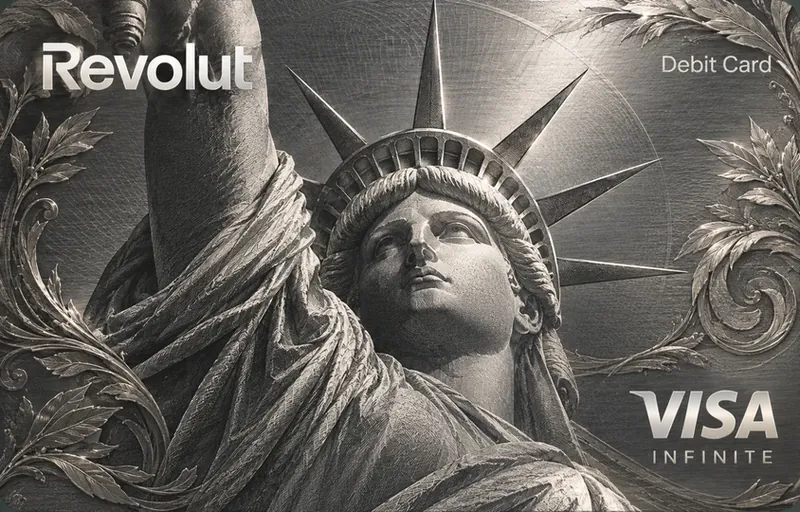
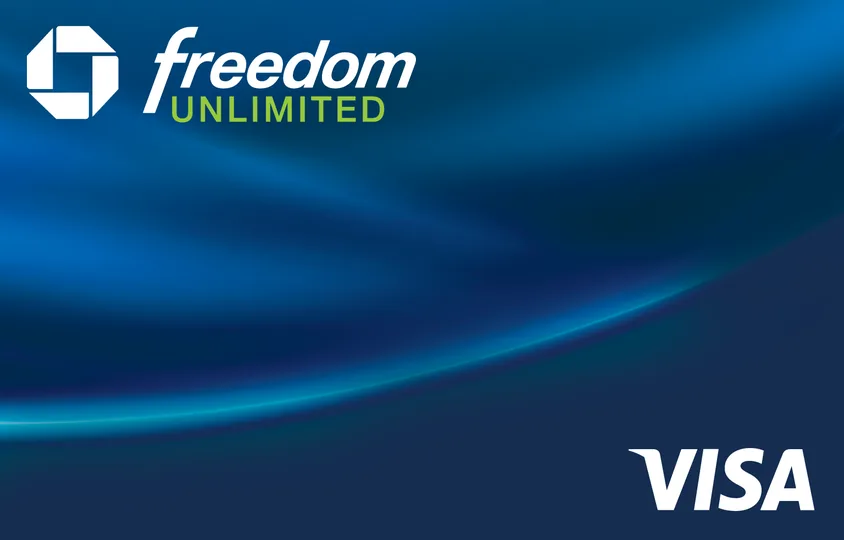
Change how your card looks in Apple Wallet. Choose from 1,070+ custom cards, or your own photo.
$14.99 One-time payment. Lifetime access, unlimited changes.
Didn’t get the result? Full refund within 14 days.
Only the artwork changes.No server image storage for applyingNo banking login required
The collection
Pick your personality.
1,083 designs. The full app collection.
TRY BEFORE YOU BUY
Your next card face. Try it on.
Pick a design or add your own photo.
Make it personal
Like the look? Get iCard and apply it with the desktop app and a compatible iPhone.
Get access · $14.99Your photo stays in this browser. No upload to our servers.
Kirky Express · Charlie Kirk Parody
Three steps. A whole new look.
You’ll need an iPhone, a USB cable, and a Mac or Windows PC.
- 01
Get your access.
Pay once. Lifetime access, unlimited changes.
- 02
Install and connect.
Install iCard, activate your key, plug in your iPhone.
- 03
Pick a look.
Choose a skin or your own photo, and apply it. Done in under 2 minutes.
Every card. Unlimited changes. For life.
$14.99
One-time payment. Lifetime access. No subscription.
Unlimited card changesChange them as many times as you want — unlimited.
- Choose from 1,070+ custom cardsIncluded
- Change them as many times as you wantUnlimited
- Lifetime accessFor life
- Super fast: done in under 2 minutes< 2 min
- Secure: no bank login, only the artwork changesSecure
- Your own photos and memesIncluded
All you need:iPhoneComputer
Get access · $14.99Didn’t get the result? Full refund within 14 days.
A new look. Not a new credit card.
iCard changes the image in Apple Wallet. Your card, limit, and benefits stay the same.
Same card.
No new account, no new perks. Just a new look.
No bank login.
iCard never asks for your banking password.
Pay once.
Lifetime access to the app, every card, and the guide. No subscription.
What users are saying
From our first users. Some got iCard free to try it early.
“My buddy stopped me mid-checkout like ‘wait what card is that?’ We spent the next ten minutes messing with different designs.”
“got the black one. looks so good on my phone”
“I thought I’d use the Amex design forever. Changed it to a picture of my girlfriend two days later. She wins.”
“Setup was pretty straightforward. Had to go back and reread one step, but nothing crazy.”
“Honestly, I just like how it looks. Not everything needs a deeper reason.”
“Bought it, had a question, emailed them. Got an actual helpful reply pretty quick. Didn’t have to explain the same thing to three different people.”
“Used a photo from our trip. Now I see it every time I pull up my card, which is kinda nice.”
“yeah this is staying on my phone”
VALID QUESTIONS
Questions, answered.
Is this a subscription?
No. It’s $14.99 once, with lifetime access. There is no subscription.
Is it safe?
Yes. iCard never asks for your banking password. Only the artwork changes: your card, limit, and benefits stay the same.
How many times can I change my card?
As many times as you want. Changes are unlimited, for life.
What do I need?
A compatible iPhone, a USB cable, and a Mac or Windows computer.
Does my bank or card change?
No. iCard changes the image shown for your card in Apple Wallet. It does not issue a new card or change your account, limit, or benefits.
BORING CARD ERA: OVER.
Your Wallet deserves a little personality.
Pick your skin. Change it whenever you want. Leave your actual bank card exactly as it is.
Get access · $14.99